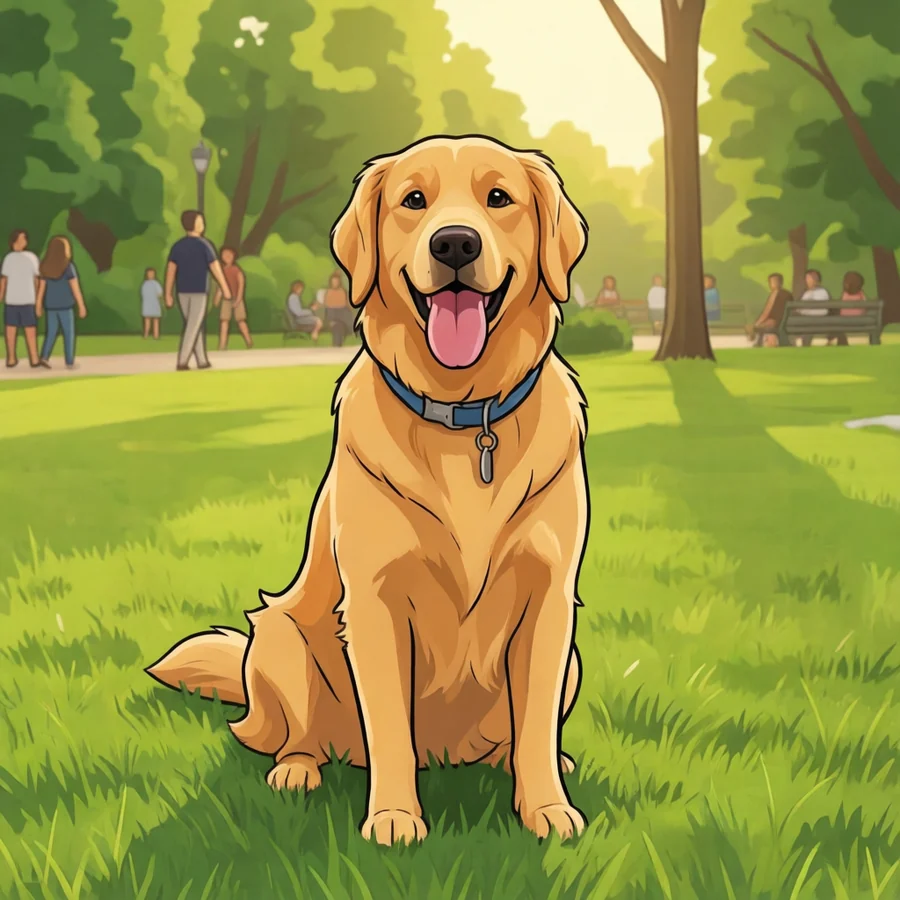
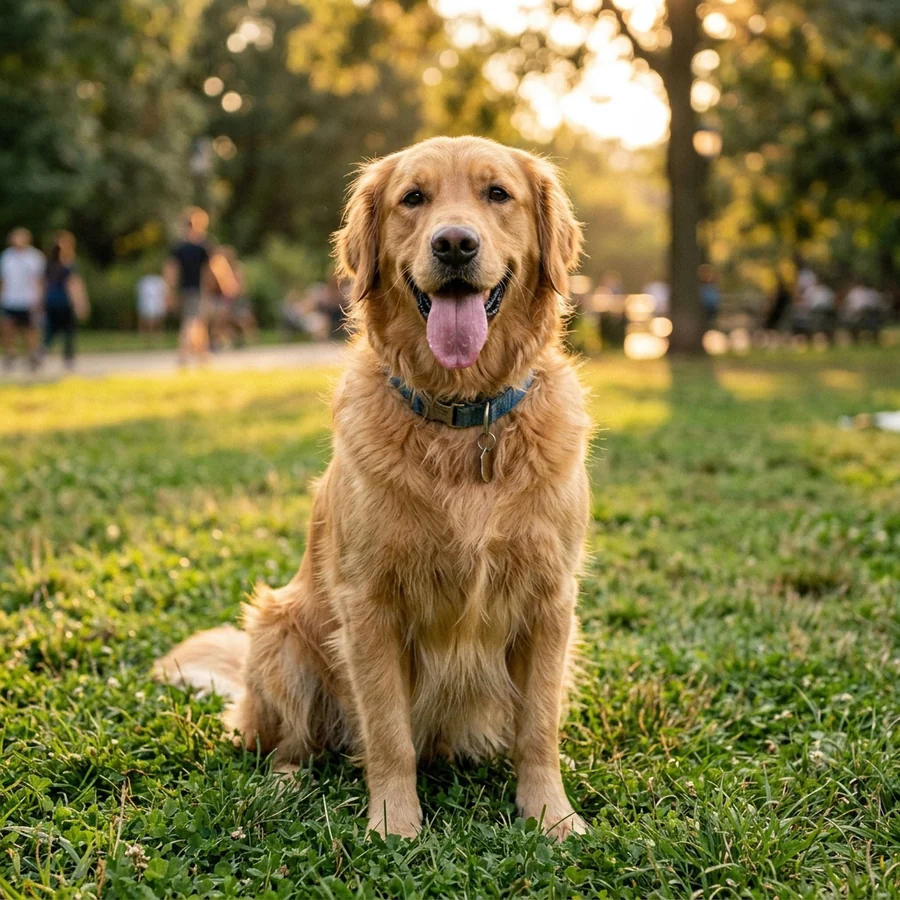
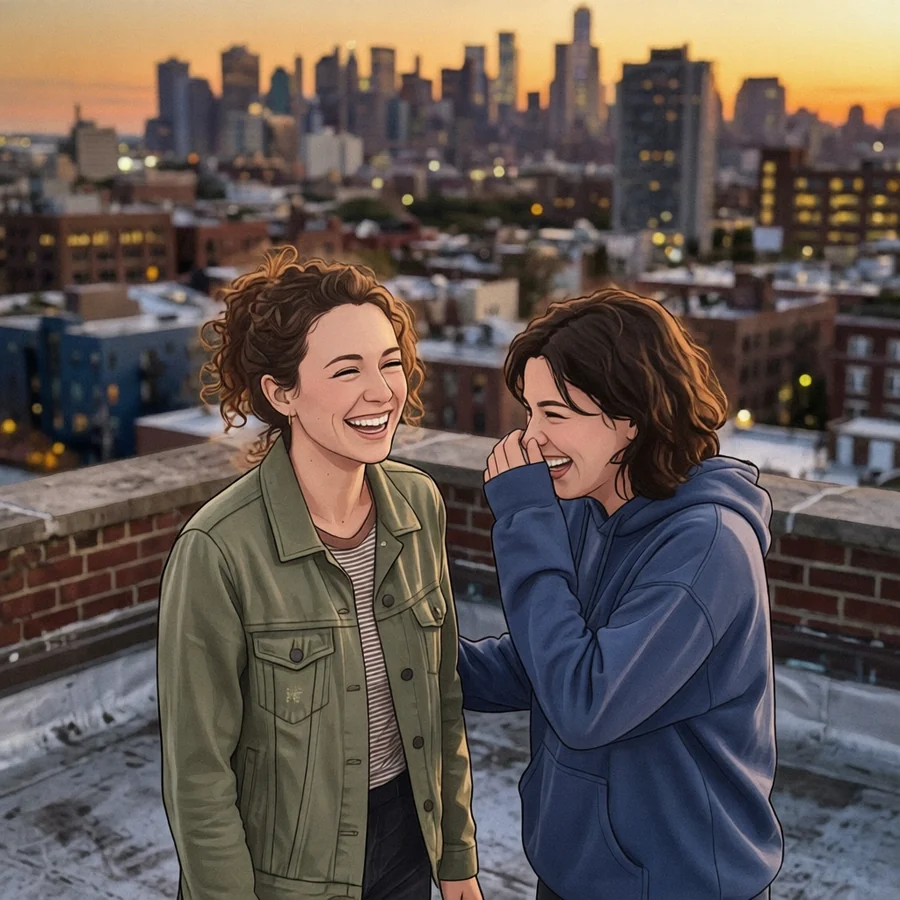
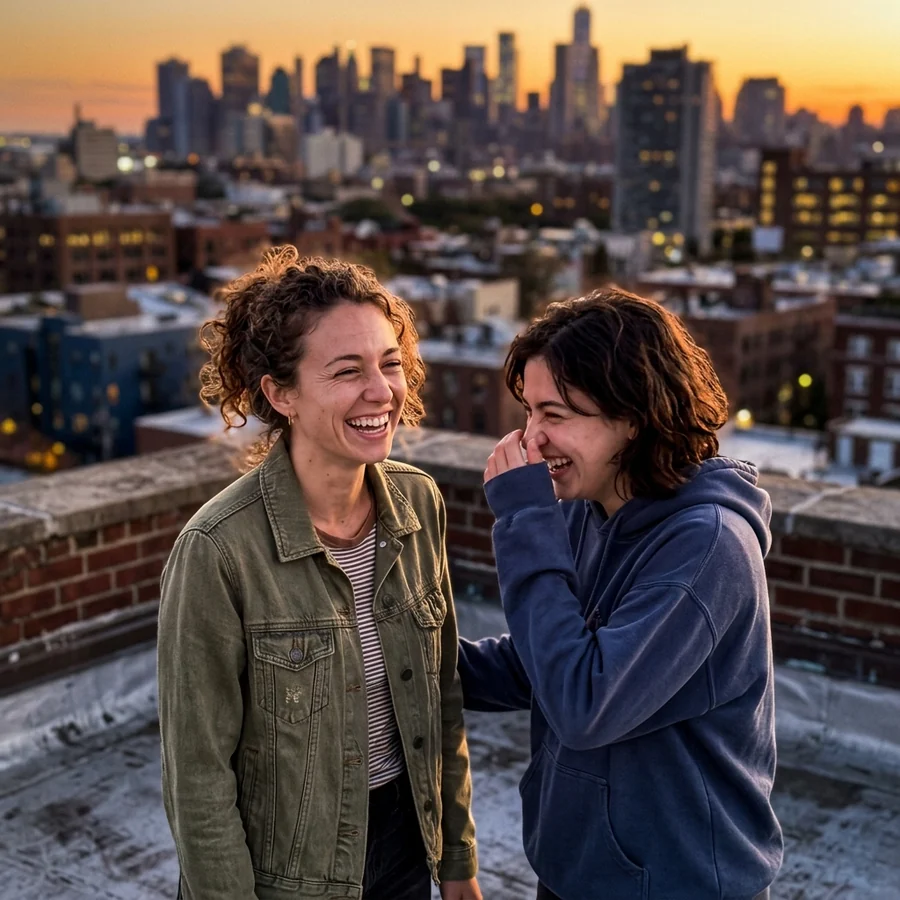
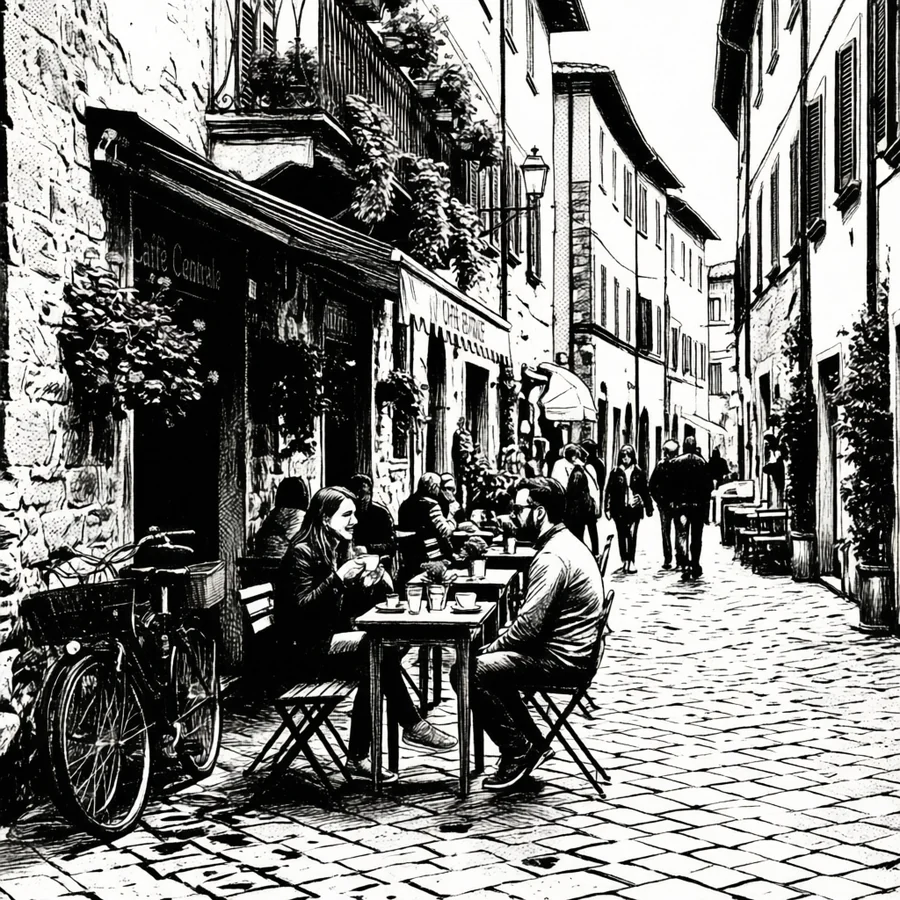
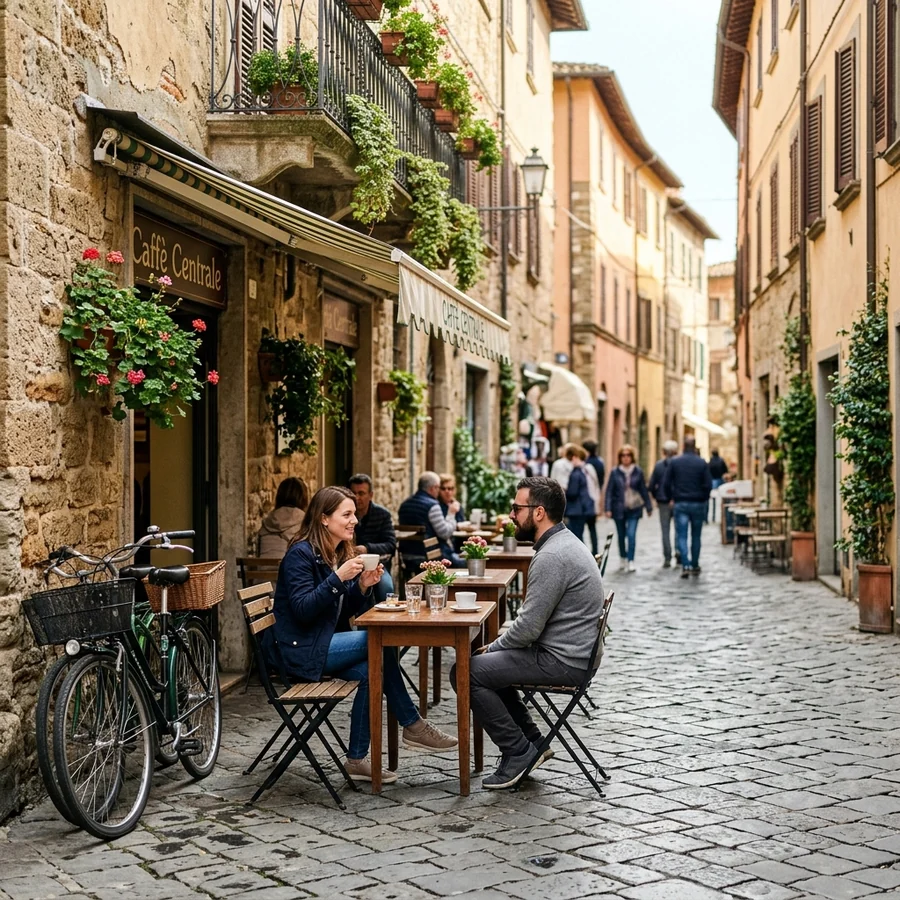
It redraws, it does not filter
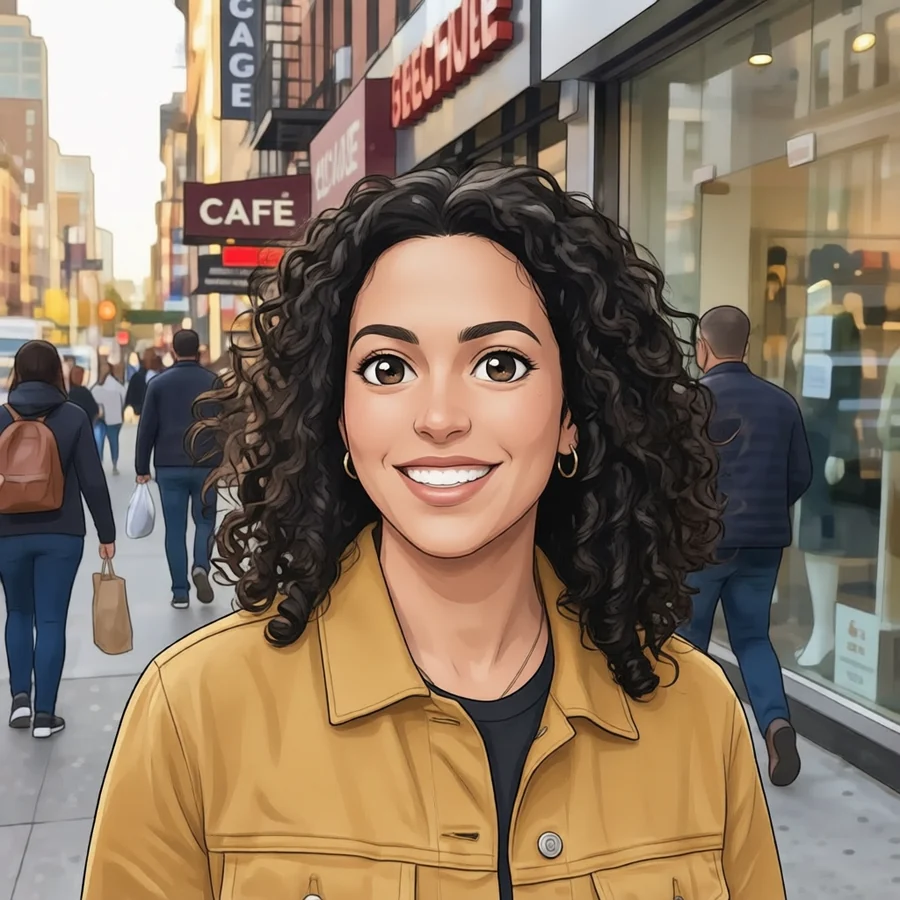
A filter changes the pixels you already have: it shifts colours, boosts edges, maybe posterises the result. You can always see the photograph underneath. This tool does something different. Your picture goes to an image model with an instruction to redraw it in a particular visual language - cel shading, ink weight, halftone dots - and what comes back is drawn rather than processed. That is why the output has real linework and flat shading instead of a sharpened photo.
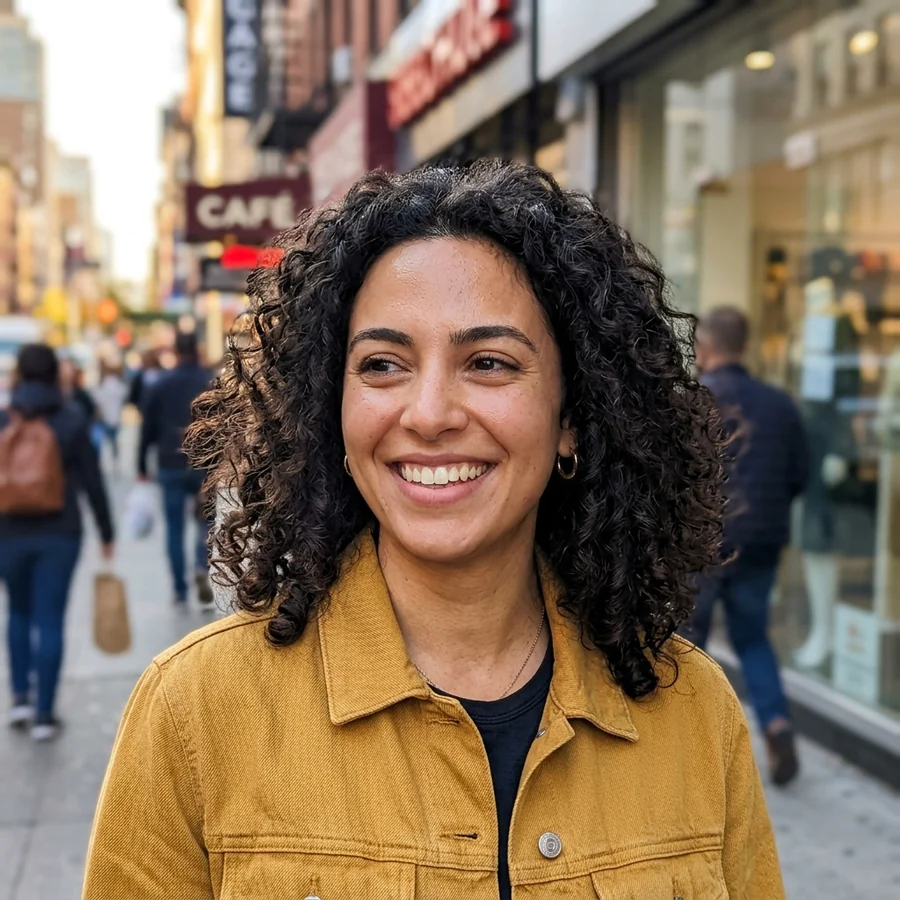
What it does not do, deliberately, is reinvent your picture. The tool runs on an instruction-editing model that holds pose, proportions and camera angle while it changes the rendering, so the person who went in is the person who comes out: same face, same expression, same jacket, same street behind them - drawn.
Getting that right took choosing the correct operation rather than tuning a bad one. An earlier version used a re-generation model, and it had a failure that no amount of prompt-writing could fix: with the instruction stripped out entirely it still returned a different person. A portrait of one woman came back as another; elsewhere a photograph of a middle-aged man came back as a young woman. That is a property of that kind of model, not a setting, and it is why this page now runs on an editing model instead.
The intensity dial, and what it actually changes
The three-position control sets how closely the model follows the redraw instruction - the engine's own guidance value, with Balanced sitting on its default. It is not a likeness dial, because likeness is handled by the choice of model rather than by a number you can move:
- Subtle follows the instruction loosely. More of the photograph's own texture and shading survives, which suits a portrait you want gently stylised rather than fully drawn.
- Balanced is the default and the right answer for almost everything.
- Bold pushes the instruction hard: flatter colour, heavier linework, less of the original surface. Reach for it when a result comes back looking too much like a photograph.
One honest note about how these engines are built. The provider ships trained style adapters for anime, cartoon and comic, and on our account those adapters on their own barely touch a photograph - we tested it, and the result was the original picture very slightly smoothed. So every style here sends its own written instruction alongside the adapter, and that instruction is what carries the look. If a conversion ever does come back looking like your photograph, we detect it and do not count the run against your daily allowance.
Which photos work
The single biggest predictor of a good result is the photo, not the style. Faces that fill a decent portion of the frame, lit from the front, with open eyes and no motion blur, come back looking deliberate. The further your photo is from that, the more the model has to invent - and invention is exactly what makes a result feel wrong.
Three specific traps are worth naming. Group shots spread the available detail across many small faces, so nobody comes out looking like themselves; crop to one or two people first with the image cropper. Text - signs, logos, T-shirt slogans - always comes back as convincing gibberish, because the model is drawing shapes it recognises as lettering rather than reading words. And very dark or heavily compressed photos give the model too little to work from; run them through the AI upscaler first and the drawing improves noticeably.
Anime, cartoon or comic - which to pick
The three families answer different questions. Anime flatters faces: it is built around large expressive eyes and clean cel shading, so portraits and pets are its natural subjects. Key Art is the modern film-poster look; 90s Cel is warmer, grainier and more nostalgic, and it handles low-contrast photos better because it expects paint texture rather than crisp gradients.
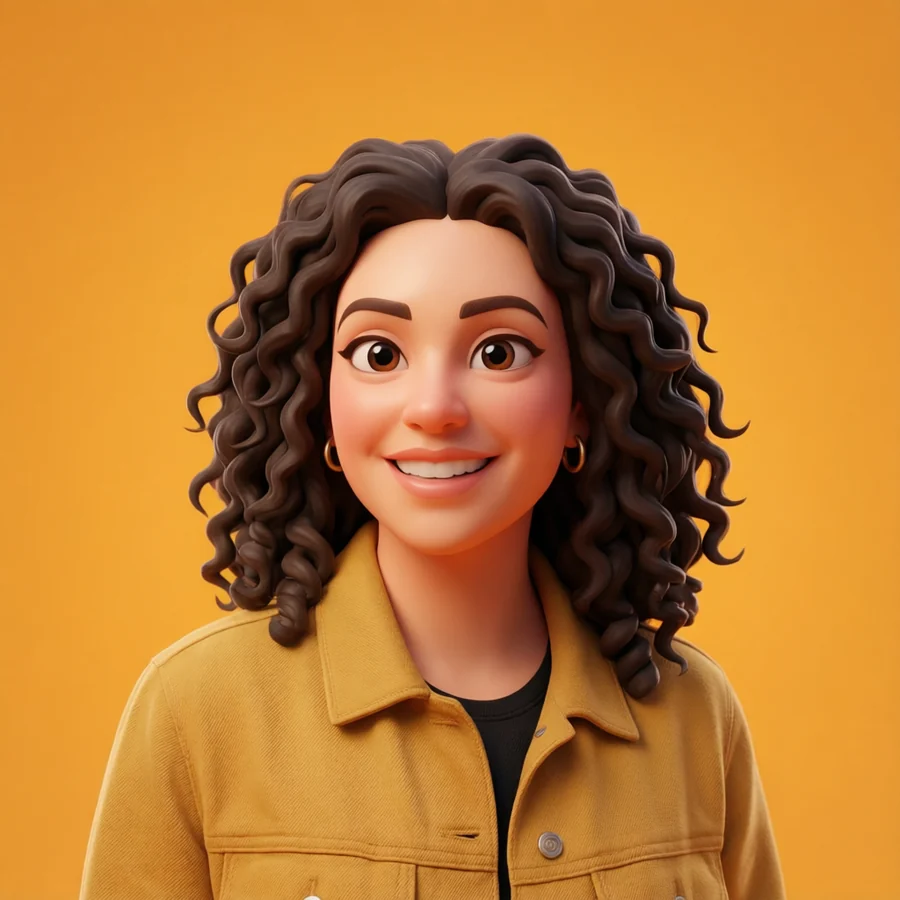
Cartoon is the friendliest of the three. The 3D Animated Movie style rounds proportions and adds soft studio lighting, which is forgiving of awkward angles; Saturday Morning strips everything back to flat colour and heavy outlines, which is the best choice when your background is busy and you want it simplified into nothing.
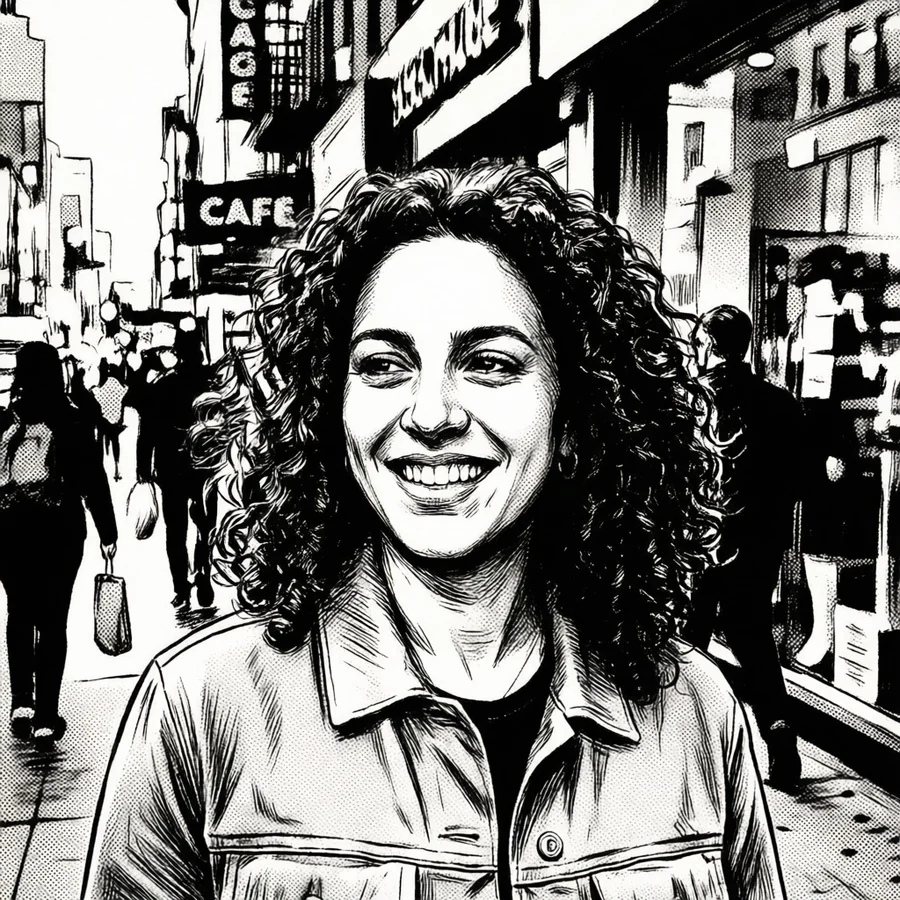
Comic pushes contrast hardest. Comic Book Ink adds cross-hatching and halftone dots and looks its best on strong, directional light. Manga drops colour entirely and leans on screentone, which makes it the most reliable style for photos with difficult or ugly colour - there is no colour left to be ugly.
Resolution, quality and what you can do with the result
Your photo is resized to a maximum of 1,280 pixels on its longest edge before it is sent for drawing, which keeps the wait short and costs nothing in visible quality - the model works at its own resolution regardless. What comes back is a full-quality image stored as a normal HotIMG upload - direct link, BBCode, Markdown and a download button, exactly like any other image on the site - carrying a small HOTIMG.COM mark in the bottom corner. The drawing was rendered on our machines at our cost and it travels a long way from the page that made it, so it goes out signed. Your original photograph is never marked; nothing you upload yourself ever is. If you want it larger for printing, run the artwork back through the upscaler.
The output is yours. HotIMG claims nothing over images you make with the tools, and results are hosted as unlisted uploads - only someone with the link can open one. If you want your artwork seen, you can submit it to the community gallery, where a moderator reviews it and members browse, like and follow. Images that collect real views also earn their uploader a share of ad revenue.
What we do with your photo
Your original is sent to the art engine to be drawn and is not stored as an upload on HotIMG - the only image that becomes a file in your account is the artwork that comes back. The before-and-after comparison in the studio is drawn from the copy already in your own browser, which is why it appears instantly. If you would rather nothing at all left your device, the colour picker and the other local tools run entirely client-side.
Two rules apply to what you upload, and both are enforced: photos of other people need their agreement, and adult content is not permitted. Every result is scanned automatically like any other upload, and the usual terms apply.